IN-EDITOR AI CHAT
Chat with AI directly in Unreal Engine using free or premium models
VibeUE includes a built-in AI Chat panel directly inside Unreal Engine. Chat with AI assistants and use all 11 MCP tools without leaving the editor.
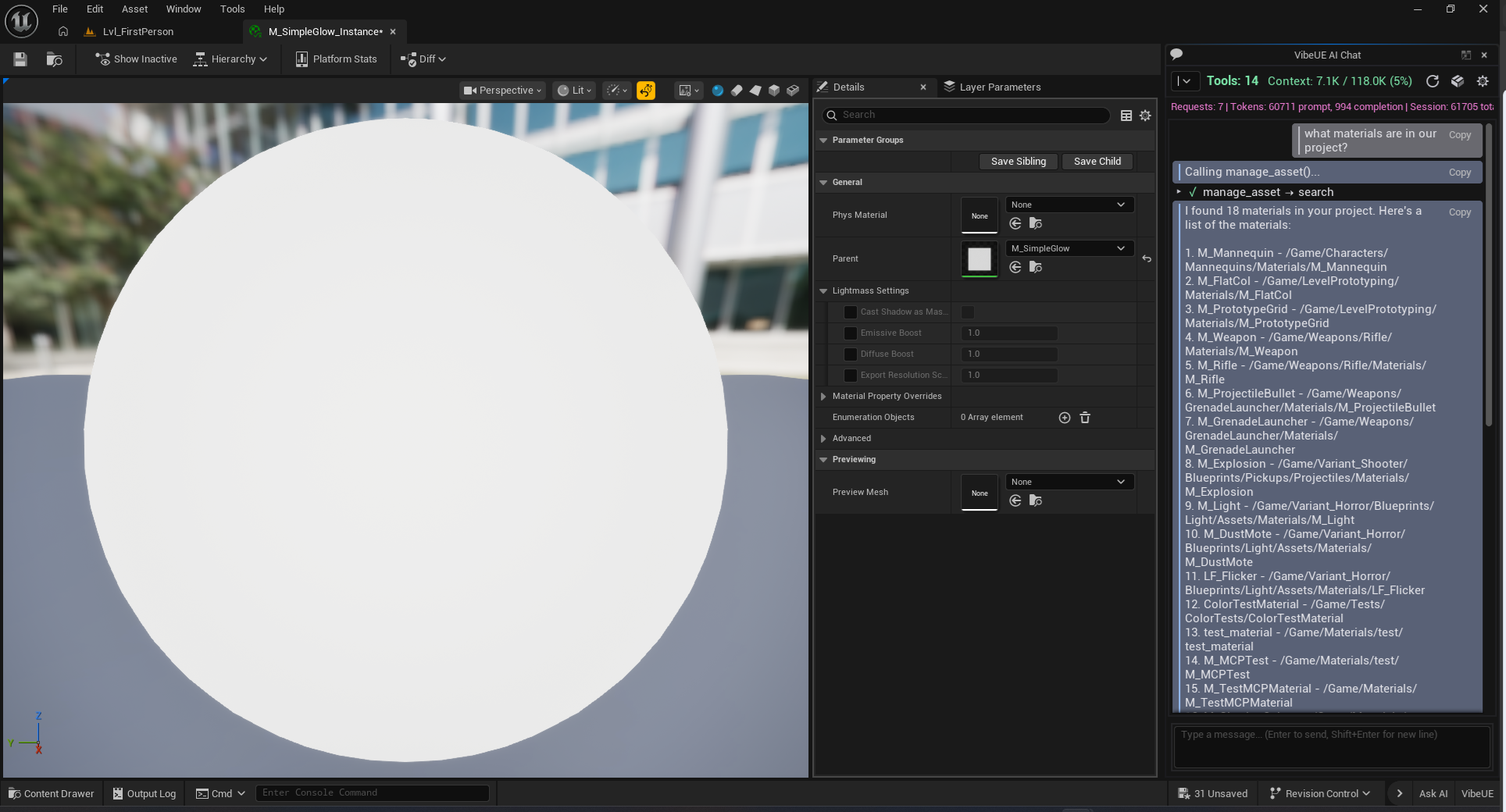
LLM Provider Options
🆓 FREE LLM Options
VibeUE API (Recommended)
- Get a FREE API key at vibeue.com/login
- Powered by high-quality LLM optimized for tool calling
- Full tool calling support for all 11 MCP tools
- Generous free tier for beta users
OpenRouter Free Models
- Access free models like Grok, Llama, Gemini
- Get your key at openrouter.ai/keys
💰 Premium Models
OpenRouter Premium
- Access Claude, GPT-4, and other premium models
- Pay-per-use pricing through OpenRouter
- Best for complex reasoning tasks
📦 How to Use the In-Editor Chat
- Click the VibeUE button in the bottom-right corner of the Unreal Editor, or use
Tools → VibeUE → AI Chat - Click Settings (gear icon in the chat panel)
- Choose your provider: VibeUE or OpenRouter
- Enter your API key
- Start chatting and using tools!
💡 Tip: The AI can use all 11 MCP tools directly from the chat - ask it to inspect APIs, manage assets, build terrain, debug logs, profile performance, create gameplay systems, and more.